
If you’ve ever opened a “how to build a website” video and felt lost five minutes in, you’re not alone. Most beginner guides move too fast, assume you already know the basics, or throw you into complicated tools before you understand what a website even is.
At FunWeb Classes, we teach kids and teens to build websites step-by-step—so the process feels exciting instead of stressful. Here’s the same beginner roadmap we use in class to help students finish their first real website in 2026.
Start with a website idea you can actually finish
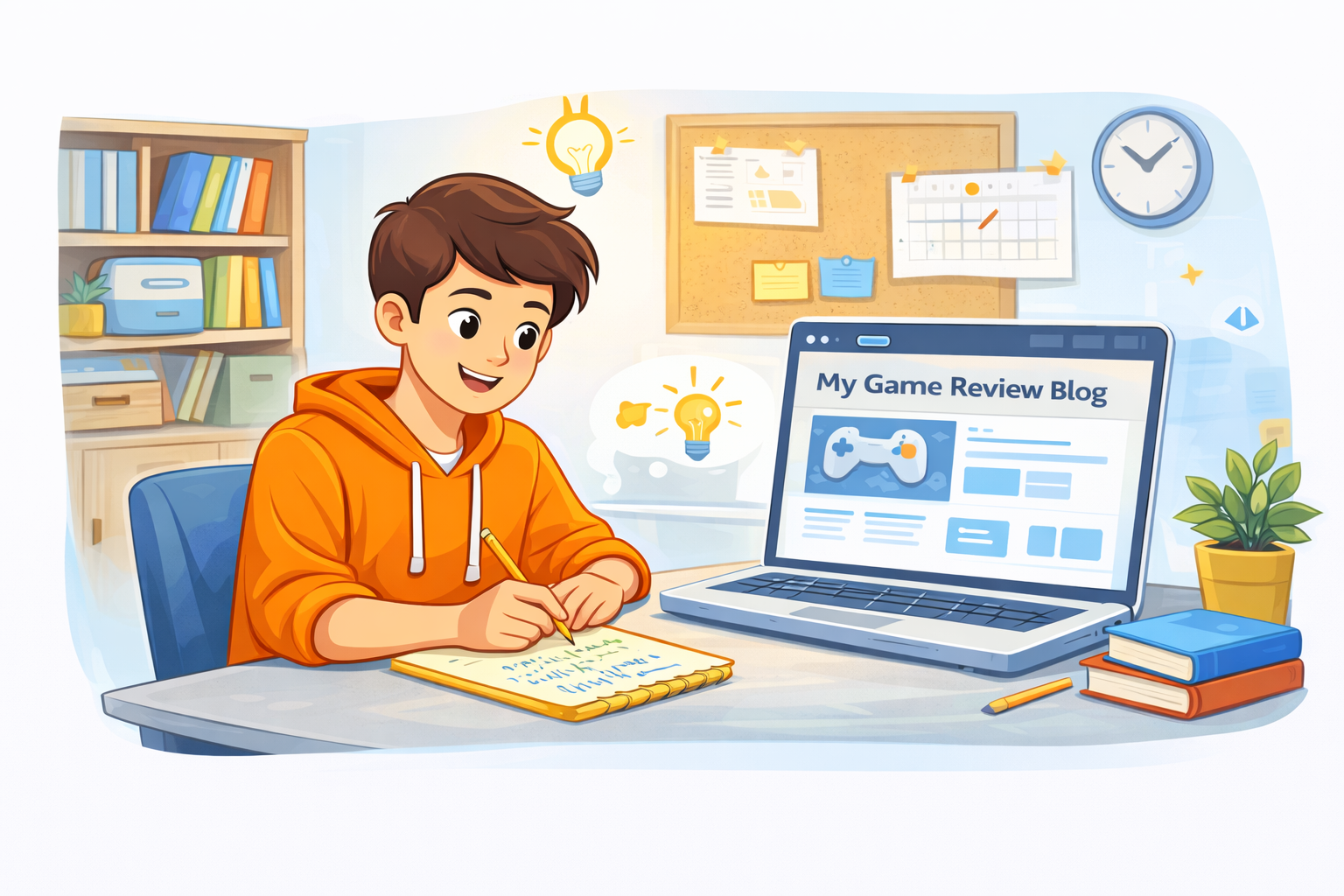
A first website should be small on purpose. You’re not building the next giant platform—you’re building something real that you can complete in a week or two. The best first projects are personal and simple, like a mini portfolio, a hobby site, a page for a school club, or a “favorite games/books/music” site with a clean layout.
Pick a theme you won’t get bored of
Choose something you already talk about with friends. When you’re interested, you’ll keep going even when something breaks.
Keep it to 3 pages
A solid first website can be just: Home, About, and Contact. Three pages is enough to learn structure without getting stuck.
Decide the “one goal” of your site
A goal can be “show my projects,” “share my hobby,” or “help people contact me.” When you know the goal, the design becomes easier.
Learn the web basics in the right order
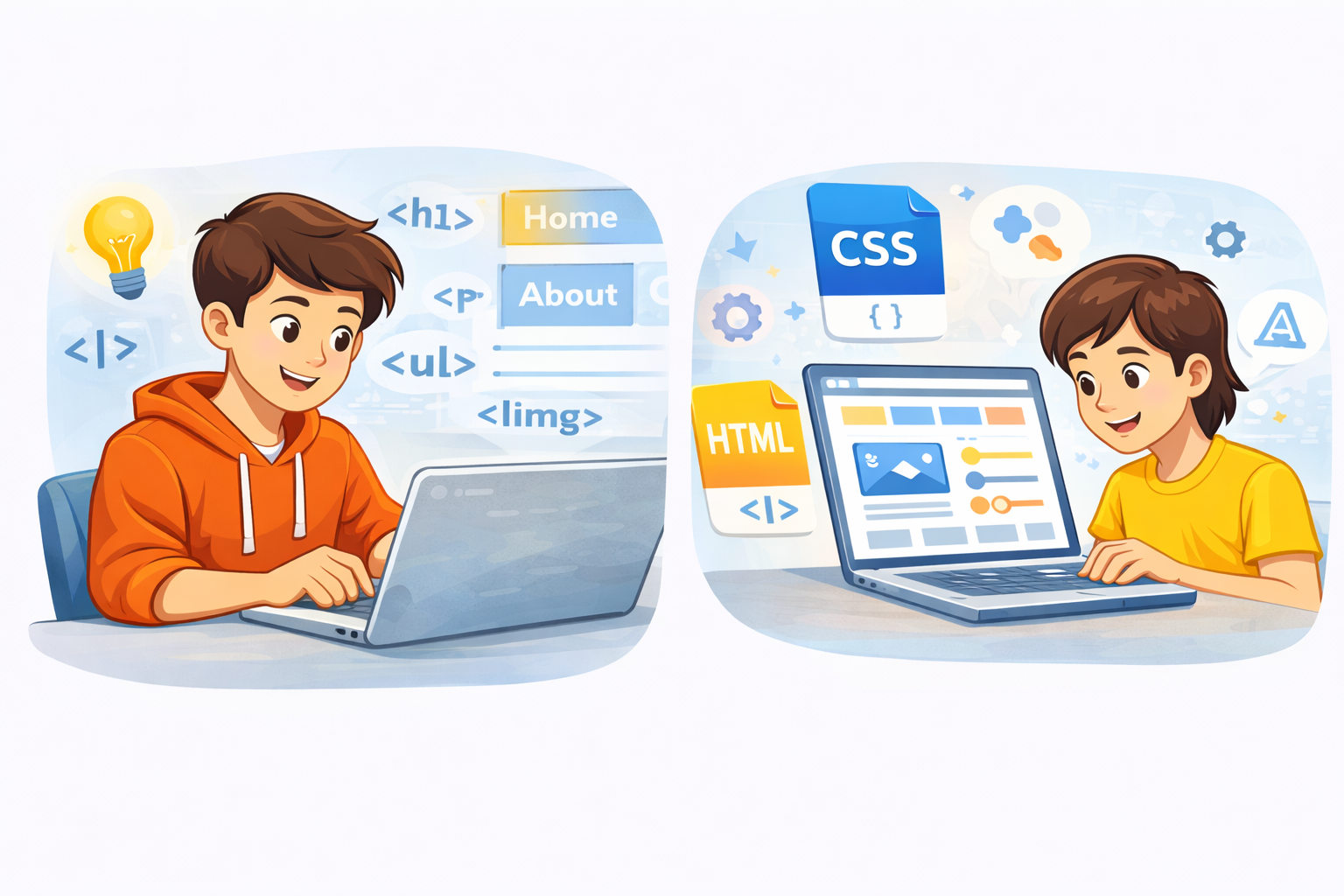
A lot of beginners try to learn everything at once: design, code, animations, and marketing. That’s how people quit. Instead, learn in layers—like building a house.
Structure first: HTML
HTML is the skeleton of your website. It’s how you create headings, paragraphs, sections, buttons, and images. Once you understand structure, websites stop feeling mysterious.
Style second: CSS
CSS is how your site becomes “yours.” Colors, spacing, fonts, layout, and responsive design all live here. This is the step students enjoy most because the site starts to look real.
Interactivity last: JavaScript
You don’t need JavaScript to finish a first website. But once your pages work and look good, basic JavaScript can add fun features like a button that changes text, a menu toggle, or simple interactive sections.
Build your first website like a project, not a homework assignment
The secret to finishing is having a clear plan. At FunWeb Classes, we teach students to build in simple stages so they always know what to do next.
Stage 1: Layout and content blocks
First, create your sections: headline, intro, a few content blocks, and a contact area. Don’t worry about perfect design yet—just build the structure.
Stage 2: Make it readable and clean
Then focus on spacing, font sizes, and alignment. A simple website with good spacing looks more “professional” than a complicated site with messy layout.
Stage 3: Make it work on mobile
This is where beginners level up fast. Mobile-first doesn’t mean “tiny version of desktop.” It means your content is easy to read, buttons are easy to tap, and the site feels natural on a phone.
What a “good first website” looks like in 2026
A strong beginner website doesn’t need fancy features. It needs clarity. When someone visits, they should instantly understand what the site is about and what to do next.
Clear headline + short intro
A visitor should understand the topic in the first five seconds.
Simple navigation
Home, About, Contact is enough. If navigation is confusing, people leave.
A “project” or “gallery” section
Even if you only have 2–3 items, showing work builds confidence and makes the site feel real.
The biggest beginner mistake: waiting for perfection
Most teens don’t fail because they can’t learn. They fail because they want the website to be perfect before it’s finished. The truth is: finishing is what makes you better.
Your first website is your practice website. The second one is your improvement website. The third one is where you start feeling proud.
How FunWeb Classes helps students finish what they start
The hardest part of building a website isn’t writing code—it’s staying consistent and not giving up when something doesn’t work the first time. That’s why our classes are project-based, supportive, and paced for young learners.
Students leave with:
- real pages they built themselves
- a simple process they can repeat
- confidence to keep learning independently
- a portfolio they can show to family, school, or future programs
If your teen wants to build a first website the right way—fun, structured, and without overwhelm—FunWeb Classes is here to help.